

One conversation. Real execution.
Socializioz is an AI-first social media operating workspace. Tell the Socializioz Agent what outcome you need, and it can work across the real workspace: brand context, connected channels, campaigns, content plans, posts, media, approvals, scheduling, publishing, engagement, and analytics. You can work conversationally through the Agent, use the direct workspace tools, or connect supported external AI clients through the native Socializioz MCP.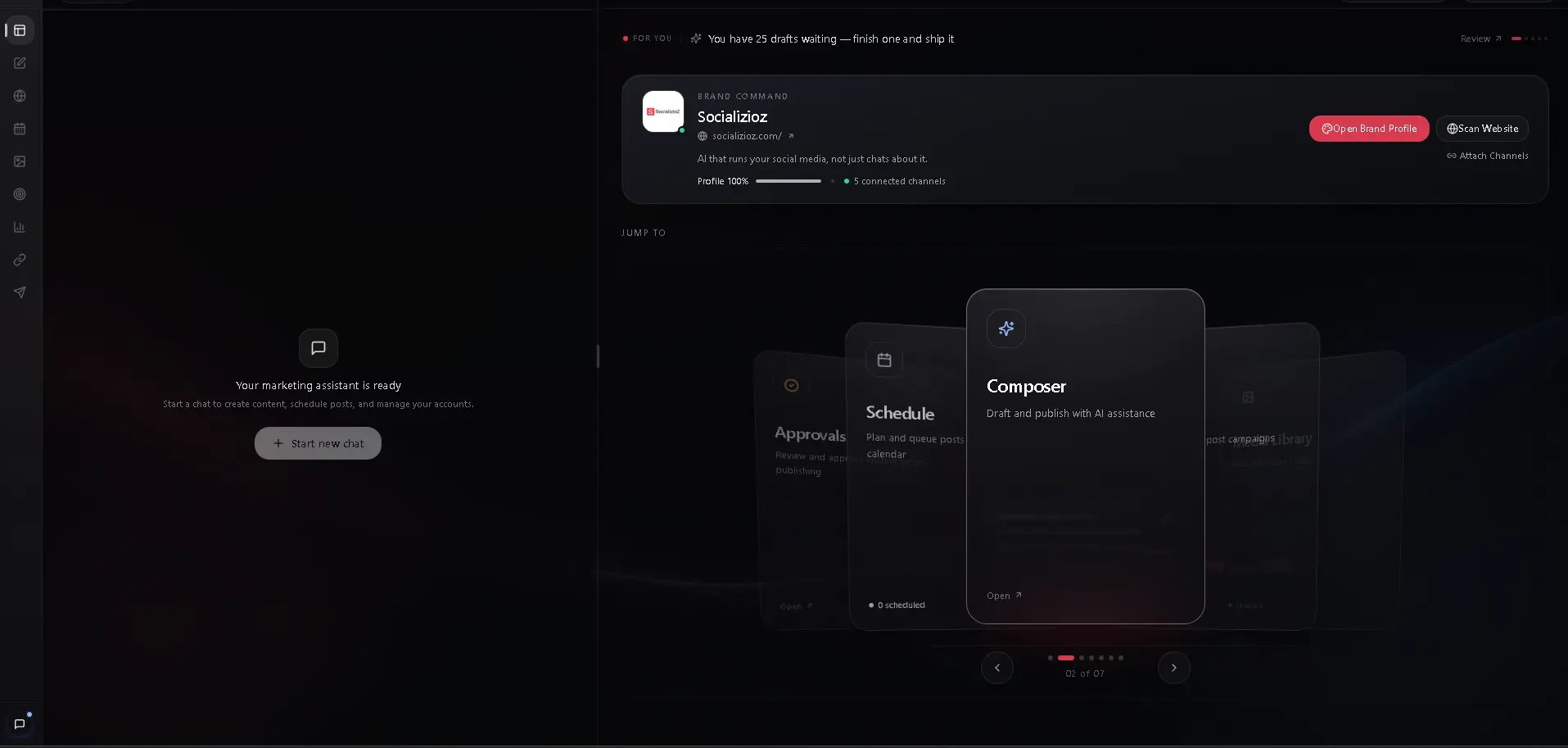
Understand the operating model
How Socializioz works
See how context becomes planned, reviewed, verified, and published social media work.
Socializioz Agent
Ask for outcomes in natural language and let the Agent work across the authorized workspace.
Native Socializioz MCP
Connect ChatGPT, Claude, and supported MCP clients to the current authenticated Socializioz tool surface.
Platform and integration map
Understand publishing channels, engagement surfaces, messaging agents, and external AI connections.
Start operating
1
Create the workspace and brand context
Complete onboarding, scan your website when useful, and review the brand identity, audience, tone, goals, and connected channels available to the workspace.
2
Connect the channels you operate
Authorize supported social accounts through provider OAuth. Socializioz does not require you to share social-network passwords.
3
Ask for a concrete outcome
Request a campaign, content plan, platform-specific posts, media preparation, approval routing, scheduling, troubleshooting, or performance review.
4
Review consequential work
Check the content, media, destination, timing, and approval state before publishing or authorizing the next action.
5
Verify execution
Confirm the returned Socializioz state. A draft, approval, schedule, publish, retry, or external-client action should only be treated as complete when the workspace result confirms it.
Core operating surfaces
Campaigns
Connect objectives, content plans, posts, media, schedules, and performance inside one campaign workflow.
Composer
Create and adapt posts with platform-specific content, media, settings, and publishing controls.
Publishing Hub
Operate drafts, approvals, scheduled posts, provider processing, failures, retries, and published results.
Scheduling and calendar
Plan timing across channels. Scheduling is a core execution layer, not the entire Socializioz product.
Media Library
Generate, import, organize, reuse, attach, and validate visual assets.
Analytics
Review available performance data and use it to inform the next content and campaign decisions.
Engagement and communication
Comments
Review, reply to, and moderate supported Facebook and Instagram comments.
Inbox
Handle supported Instagram direct-message conversations from the workspace.
WhatsApp AI Agent
Send content and scheduling requests to the Socializioz Agent from WhatsApp on eligible plans.
Account, access, and support
Connections
Monitor authorization health, connected-account capabilities, and reconnect requirements.
Plans and billing
Review the current plan limits and availability shown by Socializioz.
Refer & Earn
Join the Partner Program, share your referral link, and track eligible referrals and earnings.
Security
Learn how workspace scope, authorization, roles, and action validation protect execution.
Troubleshooting
Diagnose connection, content, scheduling, publishing, integration, and workspace problems.
Current publishing destinations
Connected-account capacity is plan-based: 5 on Free, 12 on Starter, and 30 on Pro, with Enterprise configured for the customer. Publishing access is separate: Facebook, Instagram, and LinkedIn are available across current plans, TikTok publishing starts on Starter, YouTube is reserved for Starter and above but remains Soon during rollout, and X publishing starts on Pro. Provider permissions and account type still apply.Messaging agents, engagement tools, external AI clients, and direct publishing destinations are different integration types. See Integrations for the current map.