> ## Documentation Index
> Fetch the complete documentation index at: https://docs.socializioz.com/llms.txt
> Use this file to discover all available pages before exploring further.
# Socializioz docs
> Clear, practical guides for setting up Socializioz, working with the AI Chat assistant, managing publishing workflows, and keeping your workspace secure.
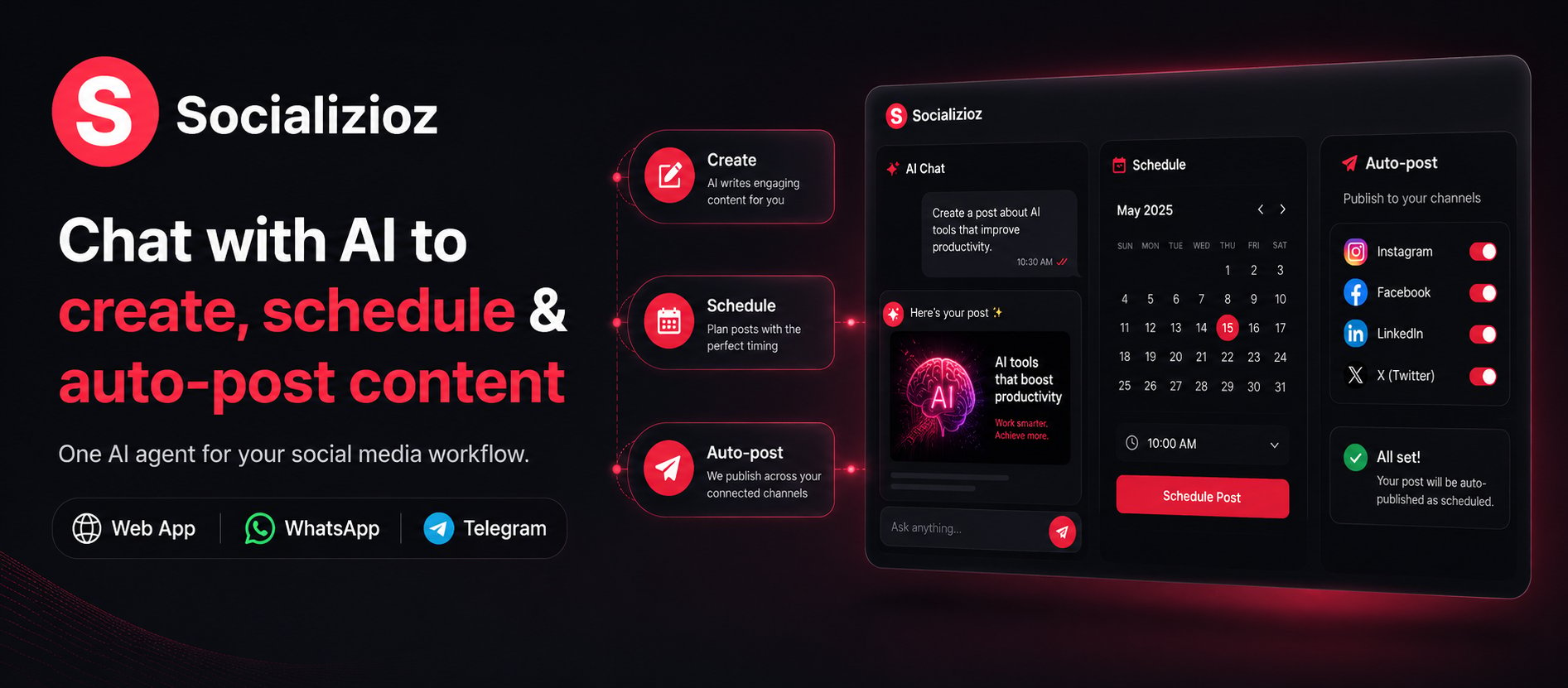
 Socializioz is an AI social media workspace for planning, creating, approving, scheduling, publishing, and reviewing content across connected accounts.
Use the Socializioz Agent when you want a guided workflow from chat, or use the Composer, Publishing Hub, Calendar, Media Library, and Analytics when you want direct control.
## Start here
Create a workspace and complete the initial setup.
Use Socializioz on the web, iOS, or Android.
Connect supported Facebook, Instagram, TikTok, X, and LinkedIn accounts.
Move from a connected account to a draft, schedule, approval, or published post.
## Core workflows
Plan, draft, improve, and review content through the Socializioz Agent.
Create and edit posts with media, platform settings, and scheduling controls.
Review drafts, approvals, scheduled posts, failures, and published content.
Upload, generate, organize, and reuse images and videos.
Review the performance data available from connected platforms.
Review workspace and publishing activity.
## Account and integrations
Compare current prices, limits, platforms, and plan features.
Use Socializioz from ChatGPT and supported external AI clients.
Monitor account health and reconnect accounts when required.
Review user controls, connected-account handling, and AI-processing guidance.
## Current platform availability
Socializioz currently supports direct publishing to:
* Facebook and Instagram on Free, Starter, Pro, and Enterprise.
* X on Starter, Pro, and Enterprise.
* TikTok and LinkedIn on Pro and Enterprise.
Telegram Agent and alerts are available on Starter, Pro, and Enterprise. Telegram is not a direct publishing platform. WhatsApp is coming soon.
## Need help?
Open [Troubleshooting](/features/troubleshooting) for common fixes or [Support](/features/support) when an issue requires investigation.
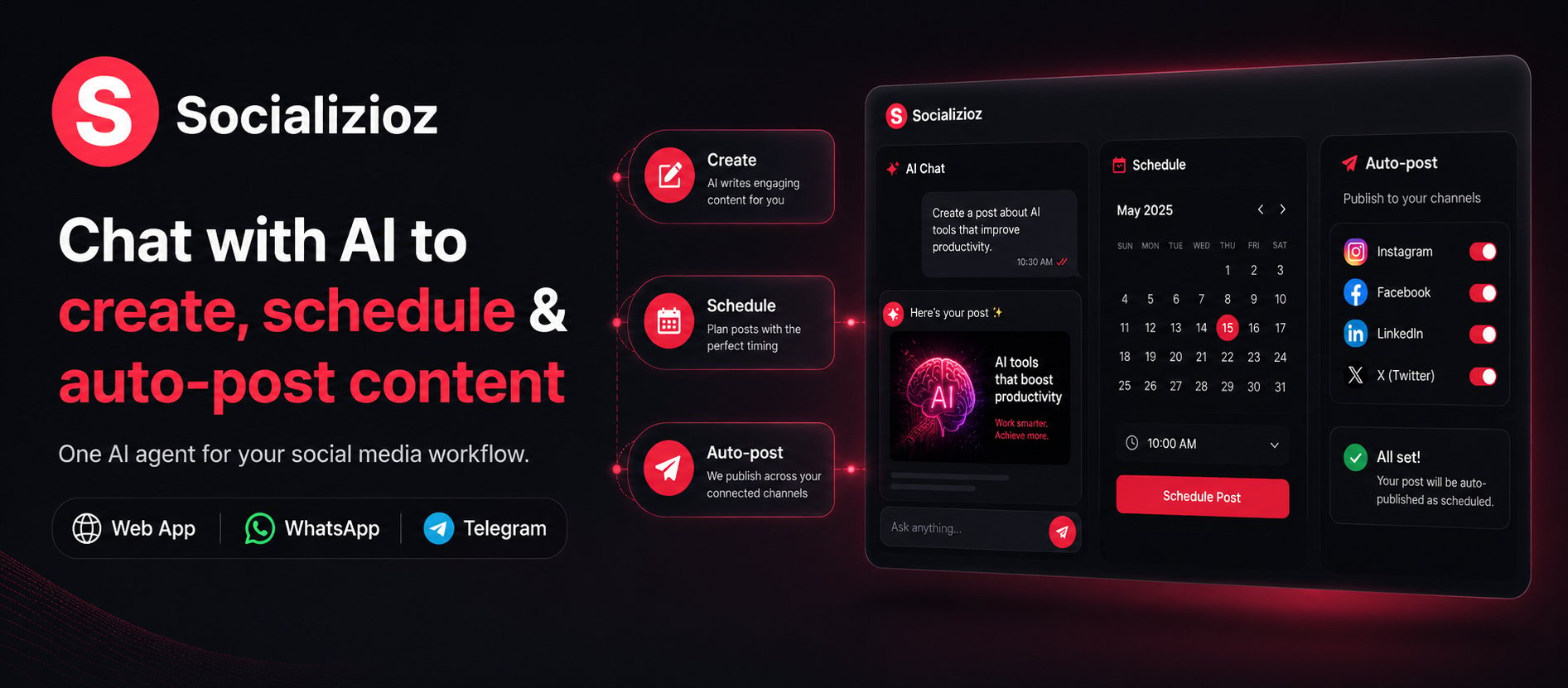
Socializioz is an AI social media workspace for planning, creating, approving, scheduling, publishing, and reviewing content across connected accounts.
Use the Socializioz Agent when you want a guided workflow from chat, or use the Composer, Publishing Hub, Calendar, Media Library, and Analytics when you want direct control.
## Start here
Create a workspace and complete the initial setup.
Use Socializioz on the web, iOS, or Android.
Connect supported Facebook, Instagram, TikTok, X, and LinkedIn accounts.
Move from a connected account to a draft, schedule, approval, or published post.
## Core workflows
Plan, draft, improve, and review content through the Socializioz Agent.
Create and edit posts with media, platform settings, and scheduling controls.
Review drafts, approvals, scheduled posts, failures, and published content.
Upload, generate, organize, and reuse images and videos.
Review the performance data available from connected platforms.
Review workspace and publishing activity.
## Account and integrations
Compare current prices, limits, platforms, and plan features.
Use Socializioz from ChatGPT and supported external AI clients.
Monitor account health and reconnect accounts when required.
Review user controls, connected-account handling, and AI-processing guidance.
## Current platform availability
Socializioz currently supports direct publishing to:
* Facebook and Instagram on Free, Starter, Pro, and Enterprise.
* X on Starter, Pro, and Enterprise.
* TikTok and LinkedIn on Pro and Enterprise.
Telegram Agent and alerts are available on Starter, Pro, and Enterprise. Telegram is not a direct publishing platform. WhatsApp is coming soon.
## Need help?
Open [Troubleshooting](/features/troubleshooting) for common fixes or [Support](/features/support) when an issue requires investigation.